AR Drawing

AR Drawing

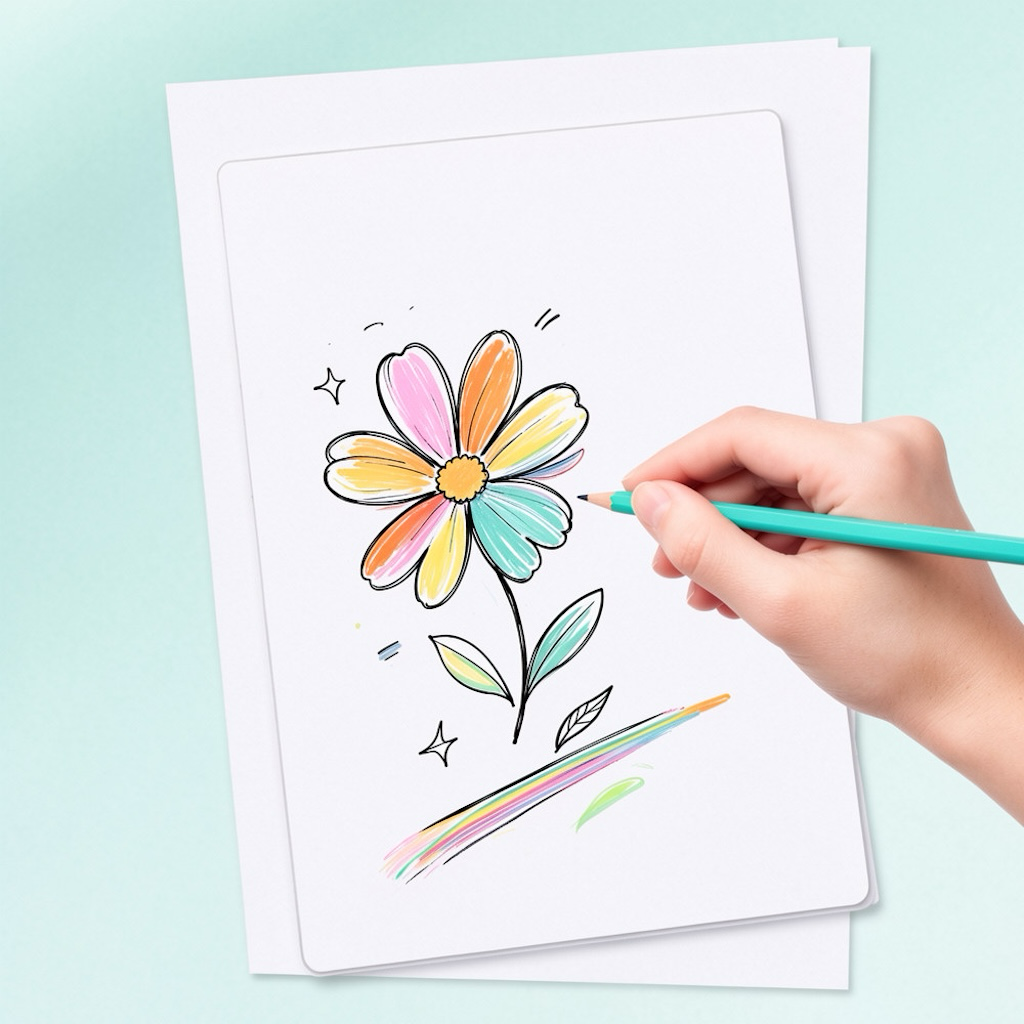
Trace something cute onto real paper.

Pick a sketch guide, float it on the live camera, and draw through the screen — one clear outline at a time.

AR Drawing app icon

How it works

Three playful steps from idea to paper.

  1. 01

    Choose a guide

    Open a cartoon template, pull a photo from your album, or make a sketch from an object you love.

  2. 02

    Open the camera

    The line guide sits as a soft overlay on the live view so you can look through the phone and onto the page.

  3. 03

    Trace & keep

    Scale, fade, flip, or lock the overlay while you draw. Save a sticker, keep the sketch, or record a short practice clip.

Templates

Cartoon-friendly subjects ready to trace.

Animals, vehicles, nature, people, fantasy, and everyday things — search, favorite, or follow the daily practice prompt.

Cat template
Kitty
Dog template
Puppy
Boat template
Boat
Flower template
Bloom
Unicorn template
Unicorn
Rocket template
Rocket

Camera tracing

Tools that stay out of the way.

Switch between the original and the line guide, change opacity, pinch to scale, pan to place, flip, rotate, toggle a grid, use flash when needed, and lock the overlay so it stays still while you draw.

  • Opacity & scale
  • Pan, flip, rotate
  • Grid & flash
  • Overlay lock

Make a Sketch

Turn a pet, toy, or object into a guide.

Upload a photo and generate a custom trace outline. Preview it, save it to My Creations, then open the same camera overlay. Portrait-style face photos are blocked on device so the tool stays focused on clean object outlines.

Explore from Photo

Or convert a picture locally.

Bring in a library or camera photo and turn it into a line sketch on your device — then trace with the same camera tools you already know.

Privacy

Built to stay on your side.

AR Drawing does not collect user privacy data or face information. Face checks that reject unsuitable portrait uploads run on your device and are not used to build a face profile. Photos chosen for sketch generation are processed only to create the guide you asked for. Camera and photo library access are used only for tracing, importing, and saving when you choose.

FAQ

Good to know

What is AR Drawing for?

It is a tracing companion. You get a clear sketch guide on the live camera so you can practice outlines on real paper.

Do I need special paper?

No. Any sketchbook page or blank sheet works. Place the phone so you can see both the overlay and the paper.

Where do my sketches and videos go?

Sketches can live in My Creations. Practice videos and stickers appear in Records when you save them.

Are face photos used for AI sketch?

No. Portrait-style face photos are blocked on device. The Make a Sketch flow is meant for pets, toys, and objects that trace cleanly.